

ZillyBuyONDC Network
HomeAccount
Brand seal
1/3
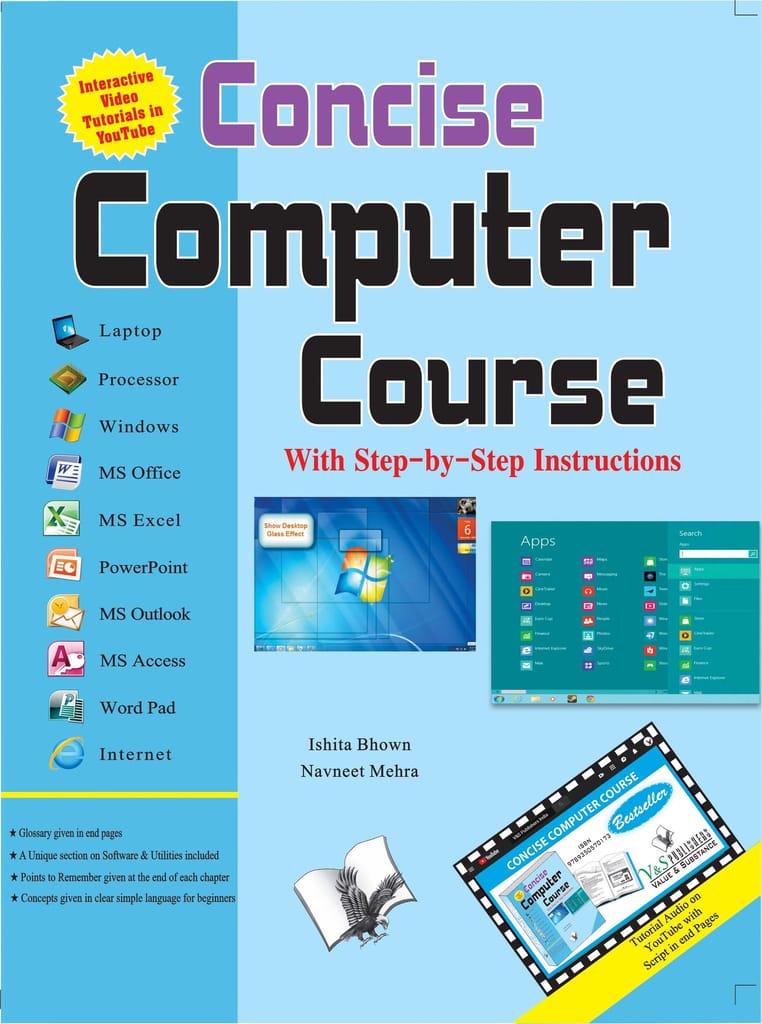
This comprehensive series with step-by-step instructions and relevant screenshots throughout the text enables readers to have a better understanding of computers. Written in simple and lucid language, without technical jargons, each book of this series is accompanied by an interactive CD/DVD with video tutorials. This is one book that covers everything a beginner needs to know about computers. You will learn things like setting up a new computer; connecting to the Internet; working with digital media; burning custom CDs; watching movies; using Microsoft Office and other popular software; setting up home networks; keeping PCs running reliably; and protecting them from spam, viruses, and spyware, etc. #v&spublishers CONTENTS: SECTION–I 1 – Introduction a) Definition of a Computer b) History of Computers c) Father of the Computer d) Generations of Computers e) Types of Computers f) Classification Based on Operational Principle g) Advantages of a Computer h) Disadvantages of a Computer 2 –Architecture of a Computer a) Input Unit b) Output Unit c) Storage Unit / Memory d) Types of Storage e) Hardware Components of a Computer System f) Types of Microprocessor (CPU) g) Input Devices h) Output Devices i) Graph Plotters j) RAM, ROM & Flash Memory k) Software l) Types of Software m) System Architecture n) Firmware o) Middleware 3 –Buying a Computer a) Choosing a Computer b) General purpose user c) Gamer/power user d) Digital media enthusiast e) Home/Office worker SECTION–II 1. – Operating System a) What is Windows? 2. – Windows 7 a) What is Windows 7? b) How is Windows 7 Different from Vista or c) XP? d) Logging on to Windows 7 e) Features of Windows 7 f) Library g) Gadgets h) Personalize Your Windows i) Windows 7 Troubleshooting j) Shutdown Options in Windows 7 3. – Applications in Windows 7 SECTION–III 1 –Microsoft Office 2007 a) Introduction 2 –Microsoft Word 2007 3 –Microsoft Excel 2007 4 –Microsoft Powerpoint 2007 a) Introduction b) Managing the Handout Master c) Using Sound Effects in a Presentation d) Using Smartart 5 –Microsoft Access 2007 a) Creating and Saving Databases b) Querie 5.1 –Microsoft Publisher 2007 6 –Microsoft Outlook 2007 SECTION–IV 1 –Internet Overview a) Websites 2 –Internet-Uses 3 –Internet-Security & Protection.. 241 SECTION–V 1 –Softwares and Utilities a) Glossary b) CD Script

Concise Computer Course (With Youtube AV)

by V&S Publishers

28137525% OFF

You save ₹94

Inclusive of all taxes

MAKE UNBOXING VIDEO

Quantity

1

Maximum 3 quantity allowed per product.

Why buy from Zillybuy?

  • ONDC Verified Seller
  • Secure Payments
  • Genuine Products
  • Easy Returns & Refunds
  • Fast & Reliable Delivery
ReturnableNo
CancellableNo
Price281
Max Value375
Quantity99
Product Value6698d294c744fb3d073f7d26
BrandV&S Publishers
Colourblack
MaterialCellulose
Colour NameBlack
CountryIND
BrandV&S Publishers
MaterialCellulose
Colour NameBlack
Colourblack

Customer Reviews

0.0out of 5

Based on 0 ratings

5 star
0%
4 star
0%
3 star
0%
2 star
0%
1 star
0%