
-62%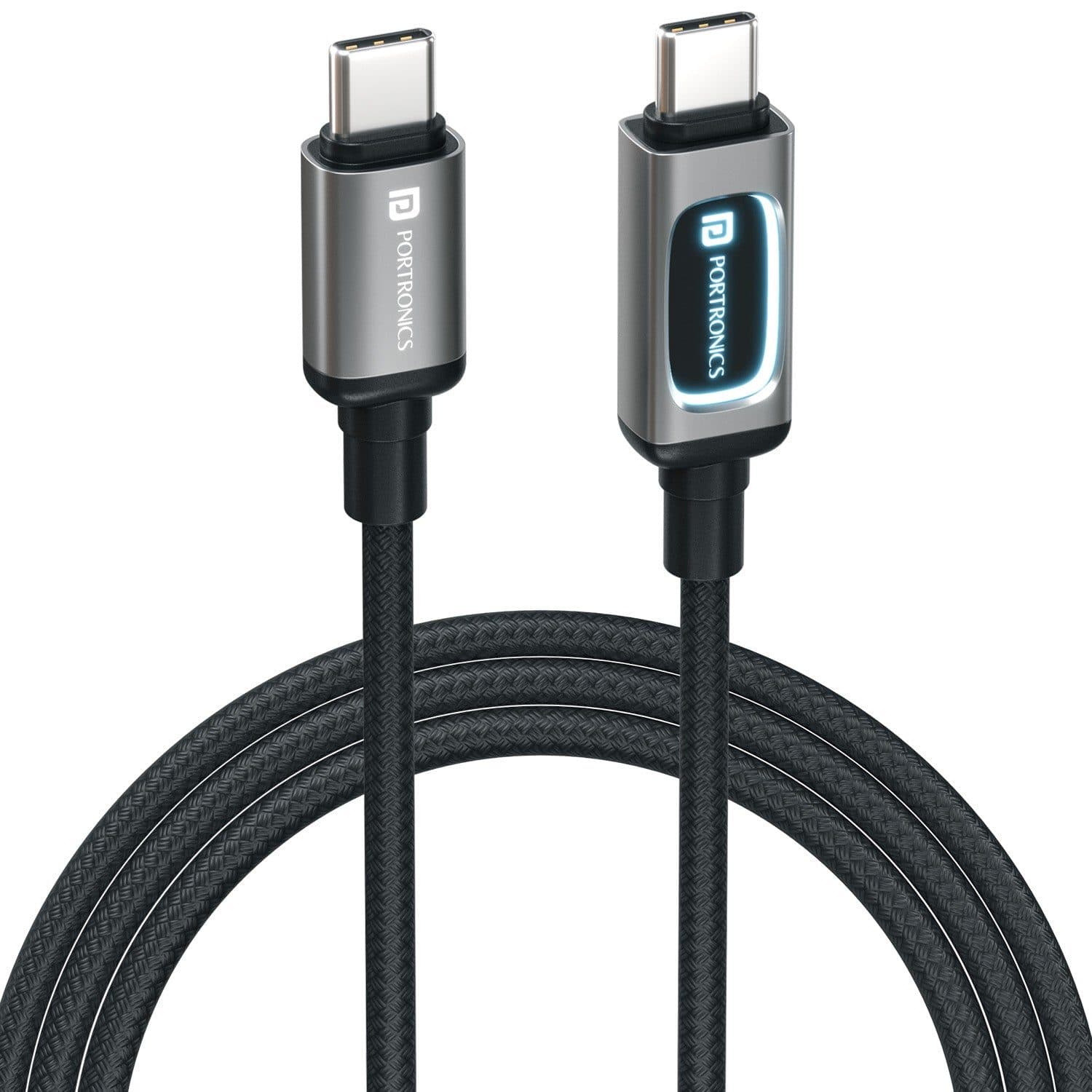
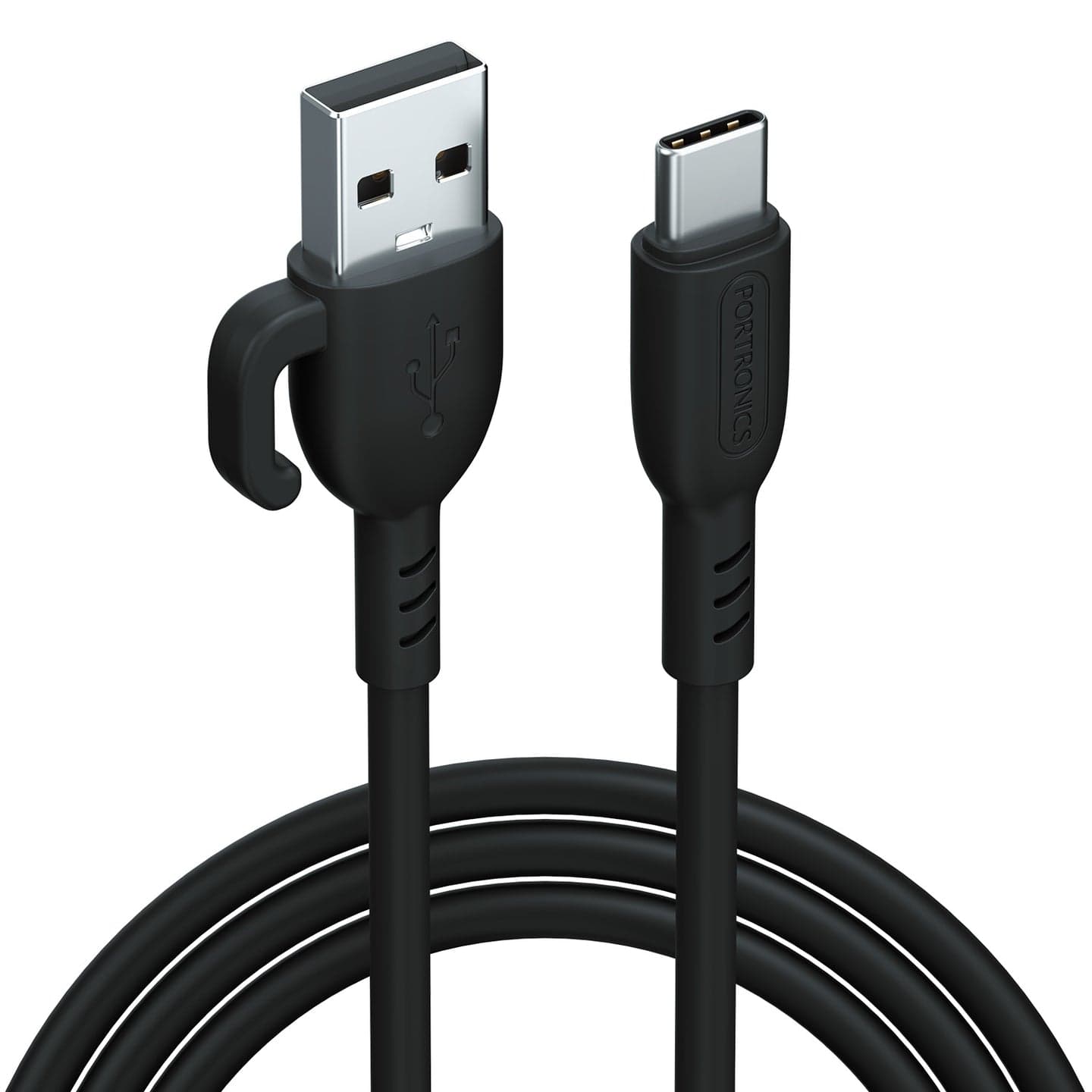
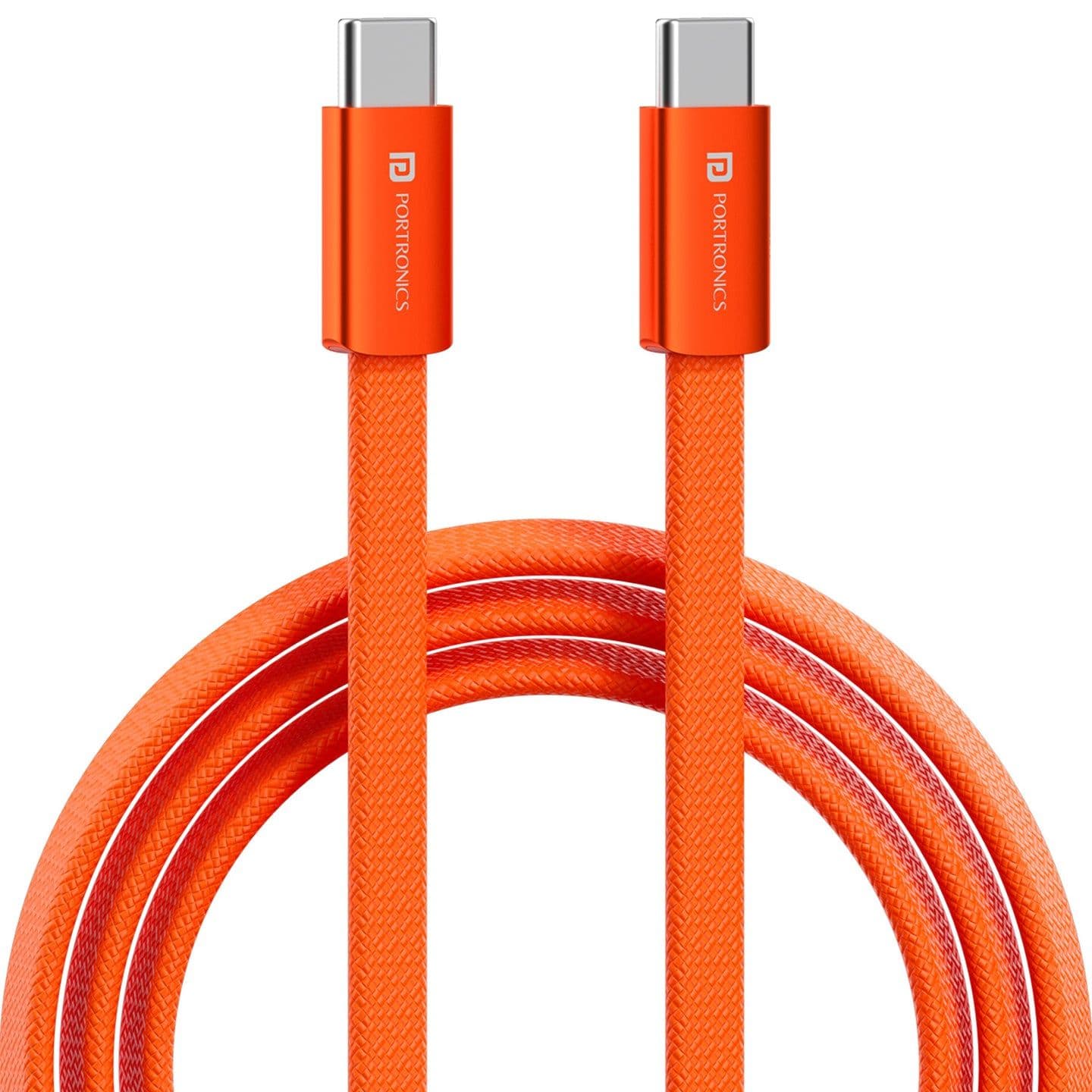
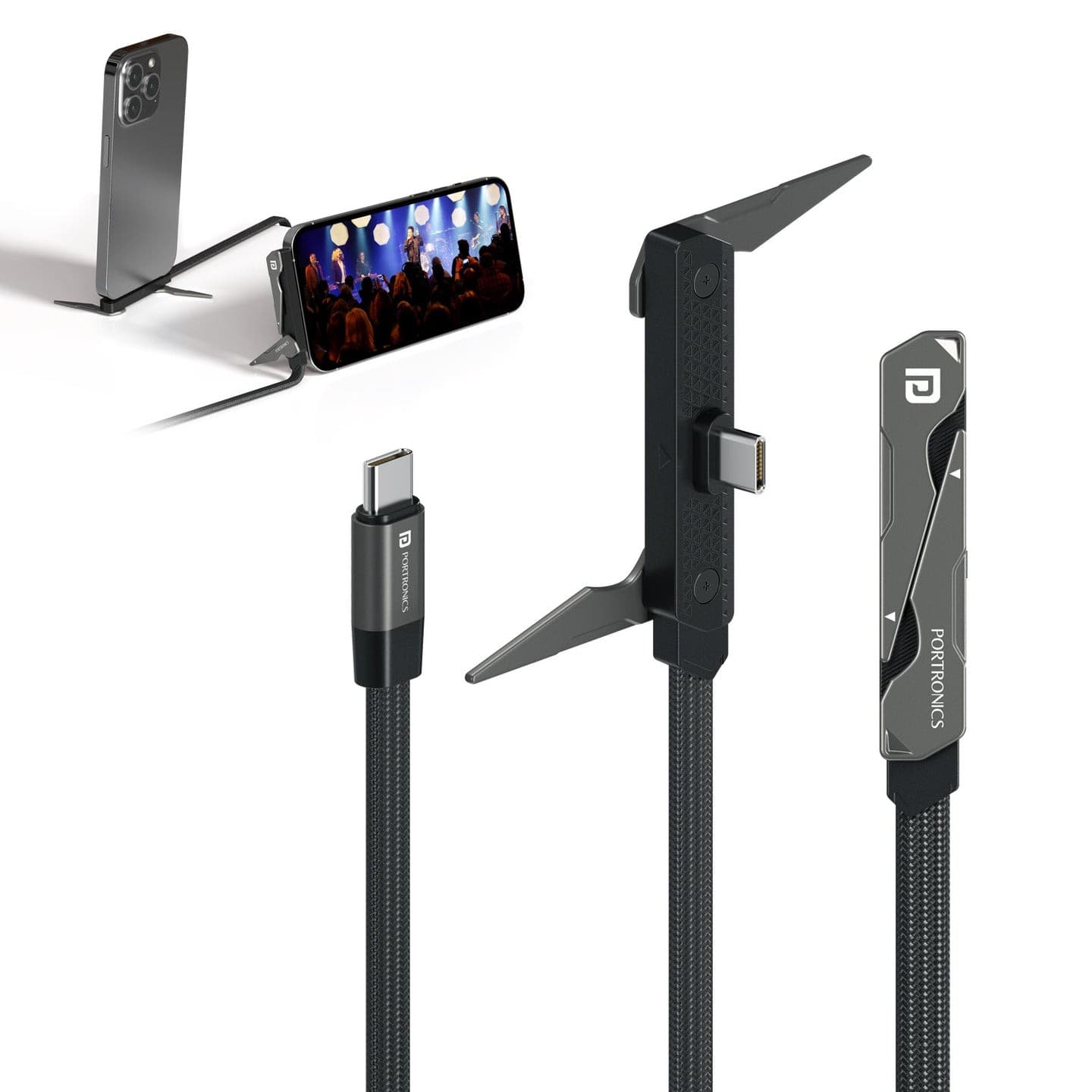
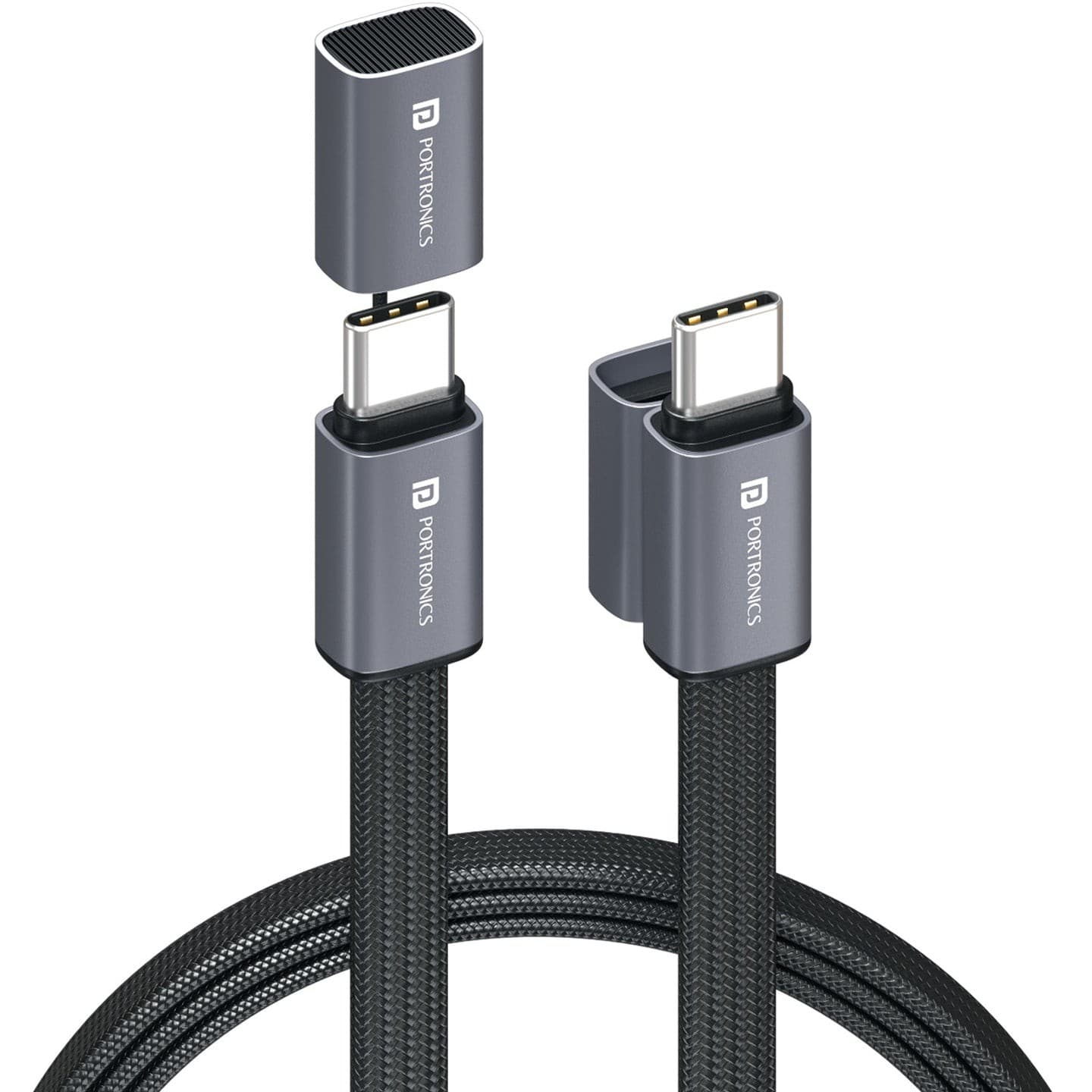
Portronics Konnect Halo Type-C Cable - Black
₹379₹999
Buy Now
Brand: Portronics
You save ₹360
Inclusive of all taxes
MAKE UNBOXING VIDEO
Quantity
Why buy from Zillybuy?
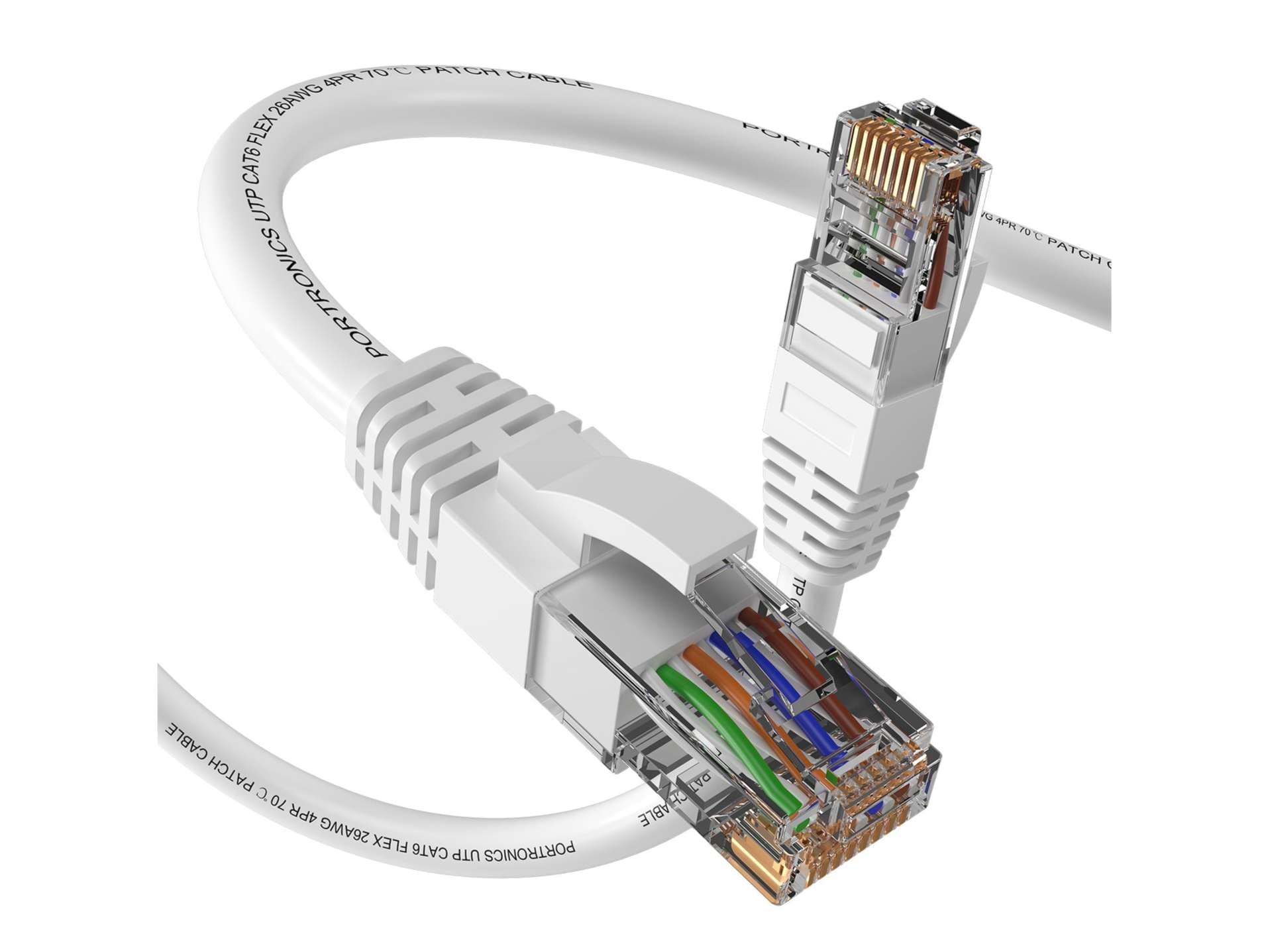
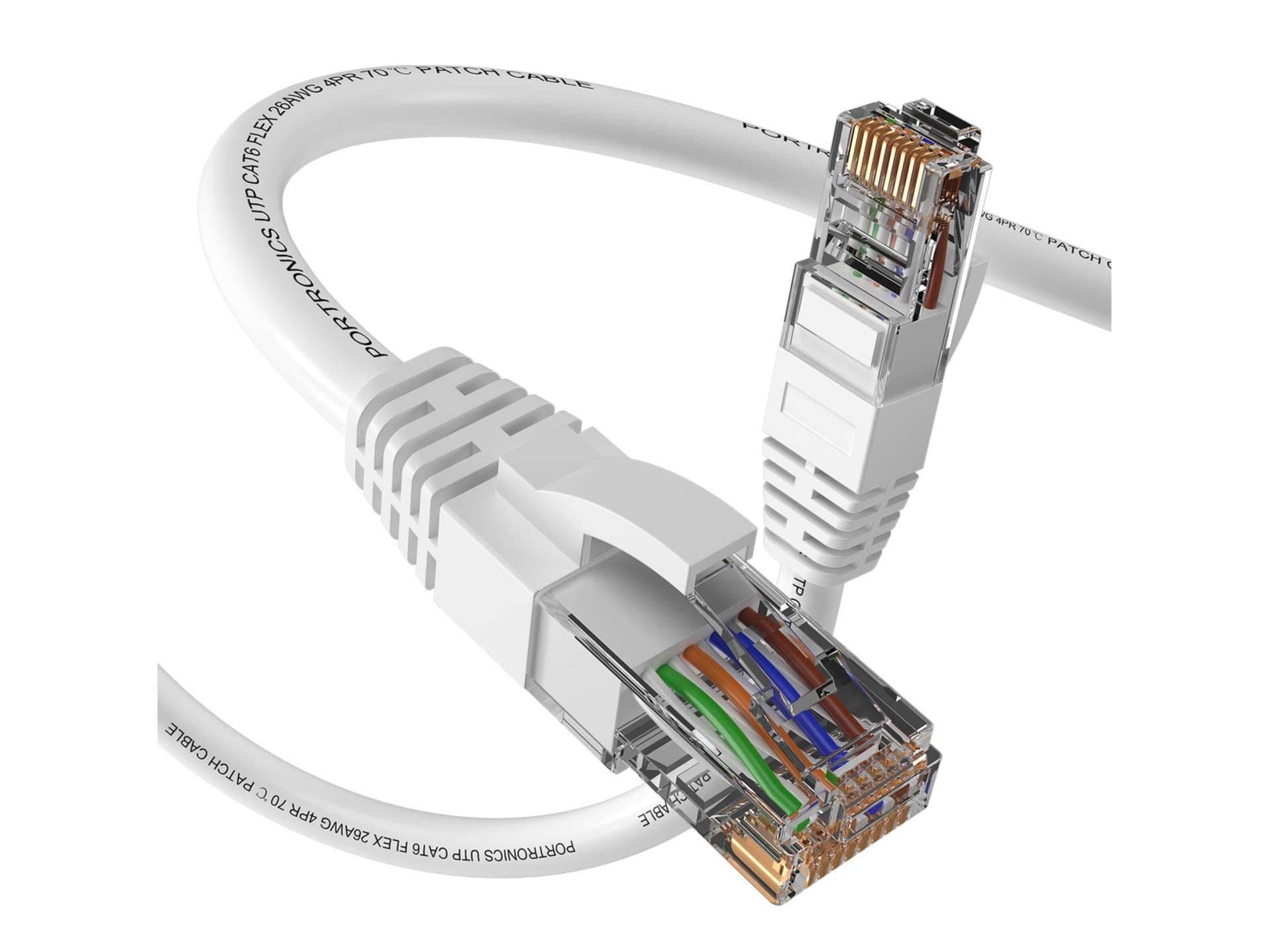
The Portronics Net X2 is a 2 m Cat6 ethernet cable that gives a little more reach than a desk-length cord. Use it to run from a router on a shelf to a PC under the table, or from a wall socket to a smart TV. It is certified for speeds up to 1000 Mbps with 250 MHz bandwidth, and copper-plated RJ45 connectors keep the signal stable and interference low.
Push one RJ45 plug into your router or switch until it clicks, and the other into your PC, laptop, smart TV or console. It is plug and play, so nothing to install. Press the clip before pulling a plug out, and route the cable away from door hinges.
Gamers, work-from-home users and families who want a wired connection between a router and a device about two metres away.
One Portronics Net X2 Cat6 ethernet cable, 2 m long, in white. Coil it loosely and keep it away from heat and water when stored.
Manufacturer Name: Portronics Digital Pvt Ltd
Manufacturer Address: Portronics digital Pvt. ltd Address: Ground Floor and First Floor, property No: 8 Upper Basement Noida Gautam Buddha Nagar Noida-201301, Uttar Pradesh, India
Country of Origin: India
| Brand | Portronics |
| Product Type | Cable |
| Colour | White |
| Country of Origin | India |
| Manufacturer / Packer | Portronics Digital Pvt Ltd |
| Returnable | No |
The Net X2 is 2 m long. It is a good length for connecting a router on a shelf to a desktop, laptop or smart TV nearby.
It supports speeds up to 1000 Mbps with 250 MHz bandwidth as a Cat6 certified cable. Your plan and router decide your actual speed. Use Wi-Fi only where a cable cannot reach.
Yes. It works with any RJ45 port, including PS5 and PS4 consoles, as well as routers, modems, printers and network switches. It is plug and play, with no setup needed.
Both are Portronics Cat6 cables with the same speed rating. The Net X1 is 1 m long, while the Net X2 is 2 m long.
Yes. It suits CCTV camera and recorder connections over short distances, as well as home and office networks. Run it along the wall and fix it with cable clips for a neat finish.
Based on 0 ratings
More to explore