
-56%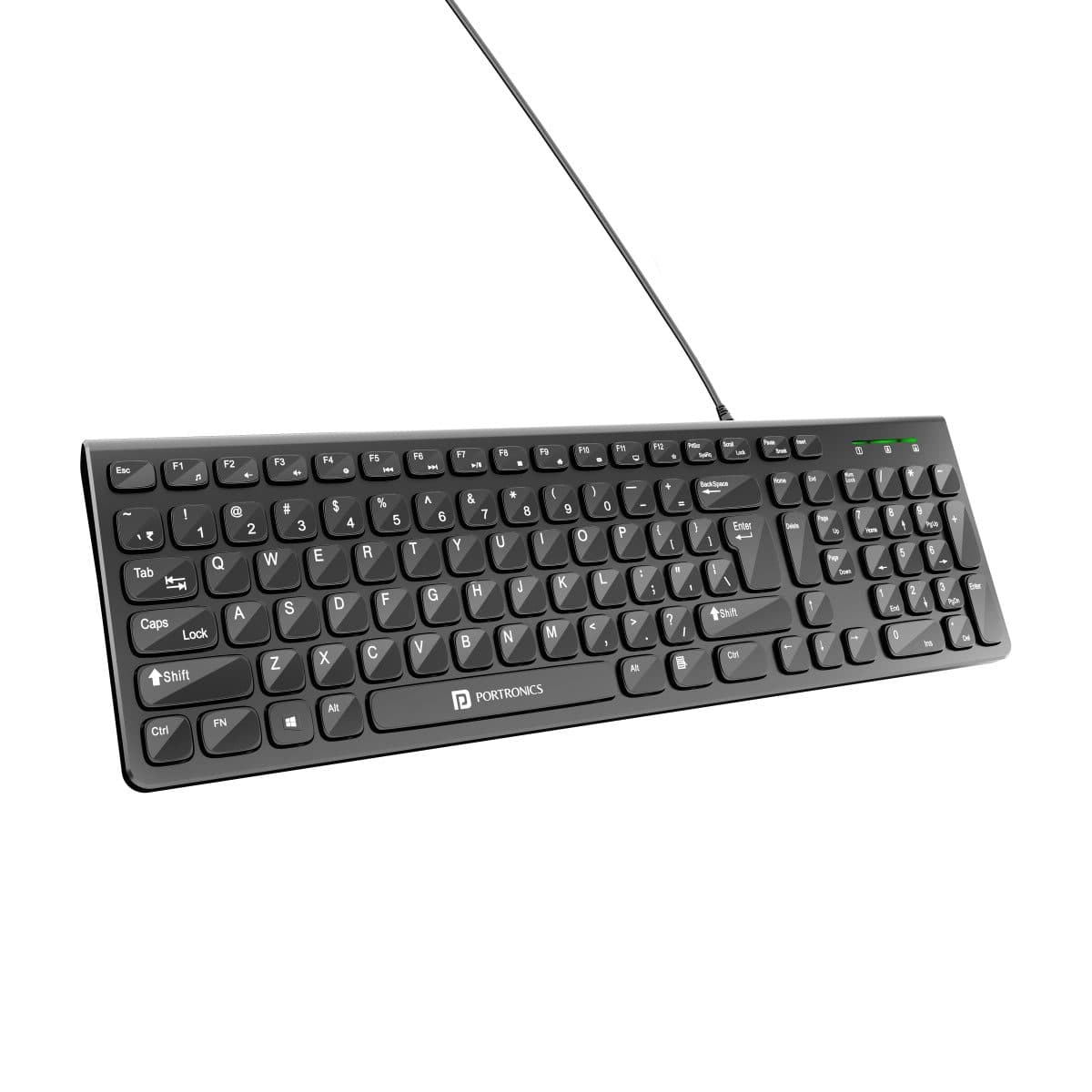
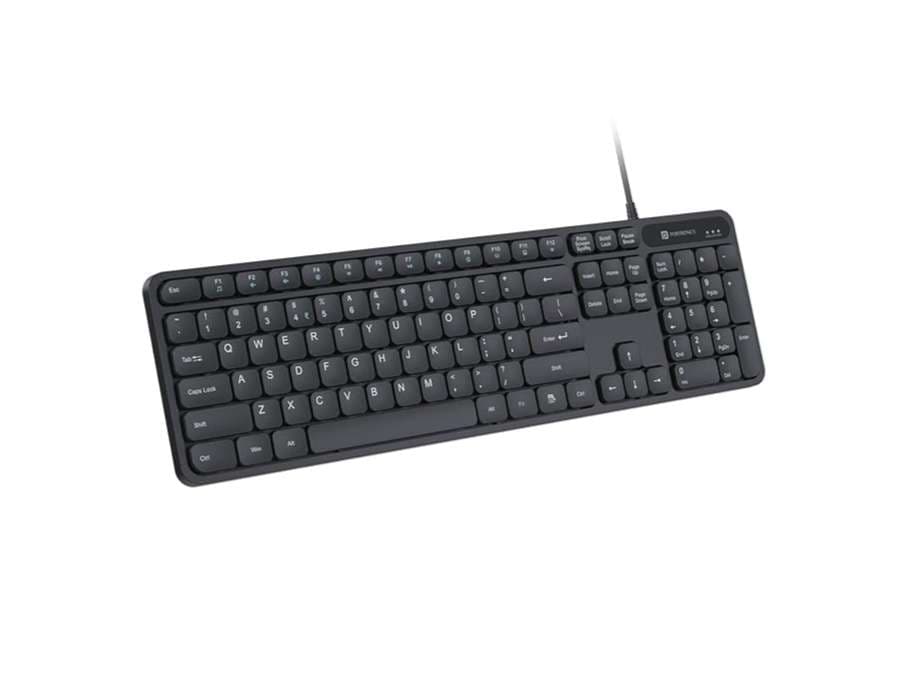
Portronics Ki Pad 2 Keyboard for Laptop - Black
₹444₹999
Buy Now
Brand: Portronics
You save ₹600
Inclusive of all taxes
MAKE UNBOXING VIDEO
Quantity
Why buy from Zillybuy?
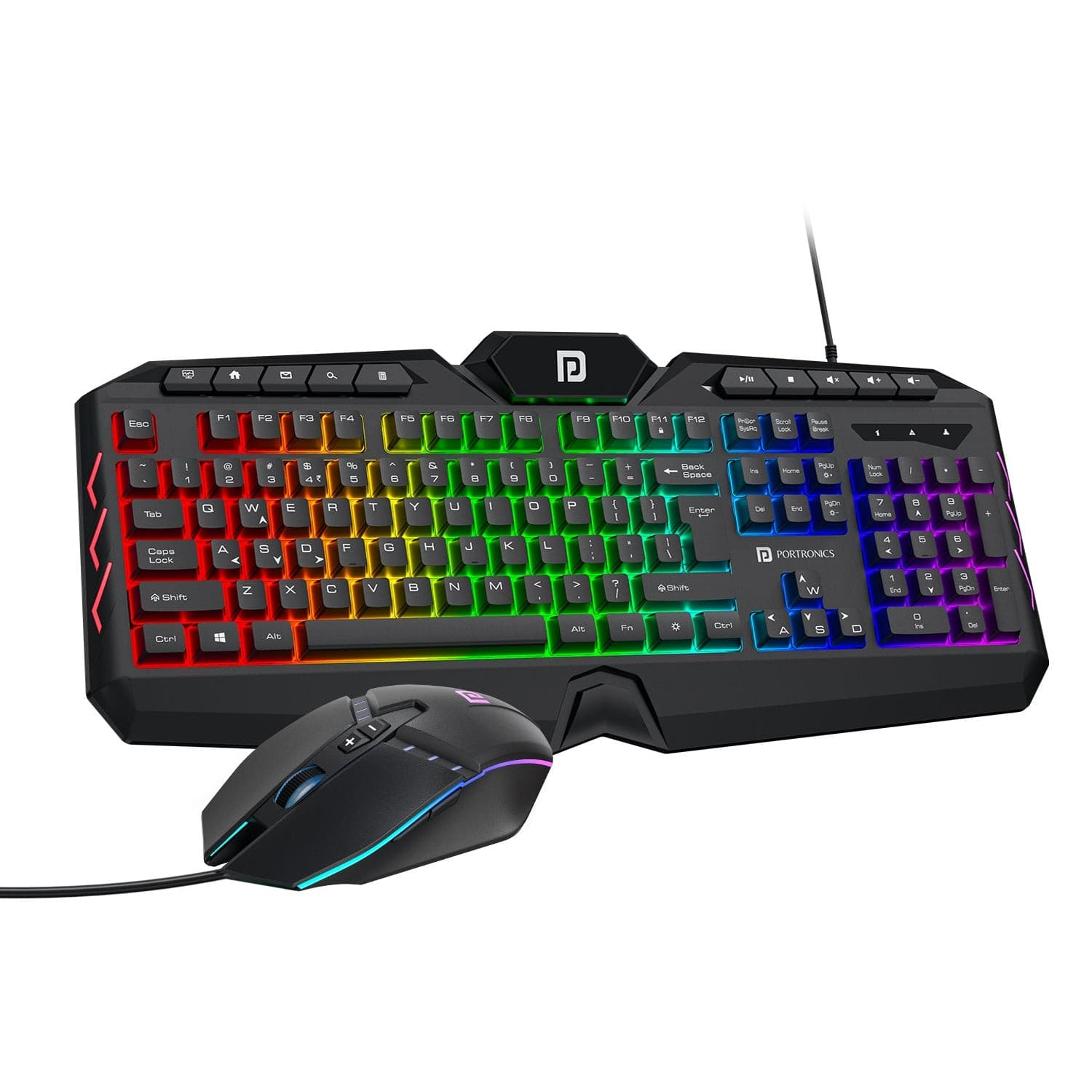
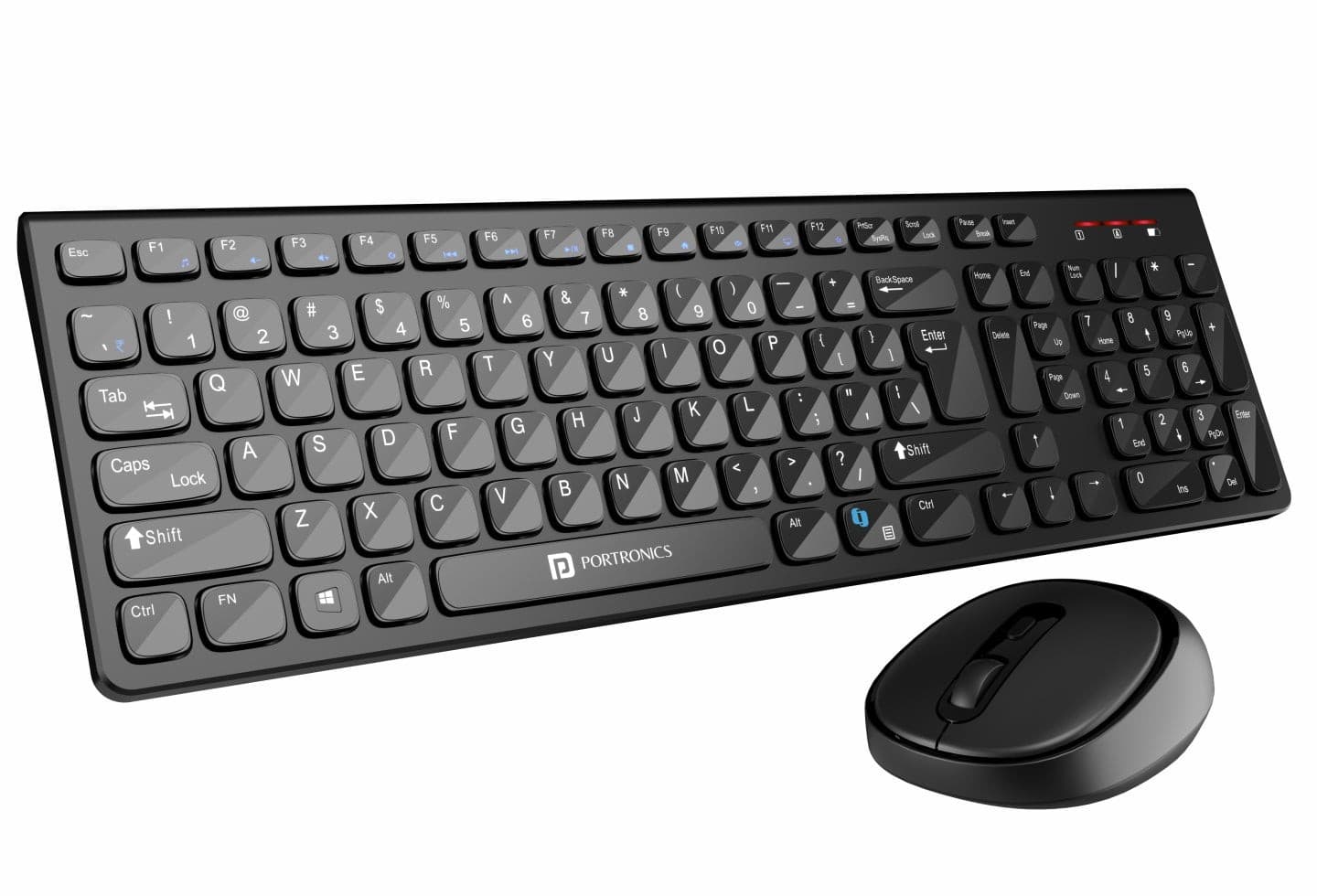
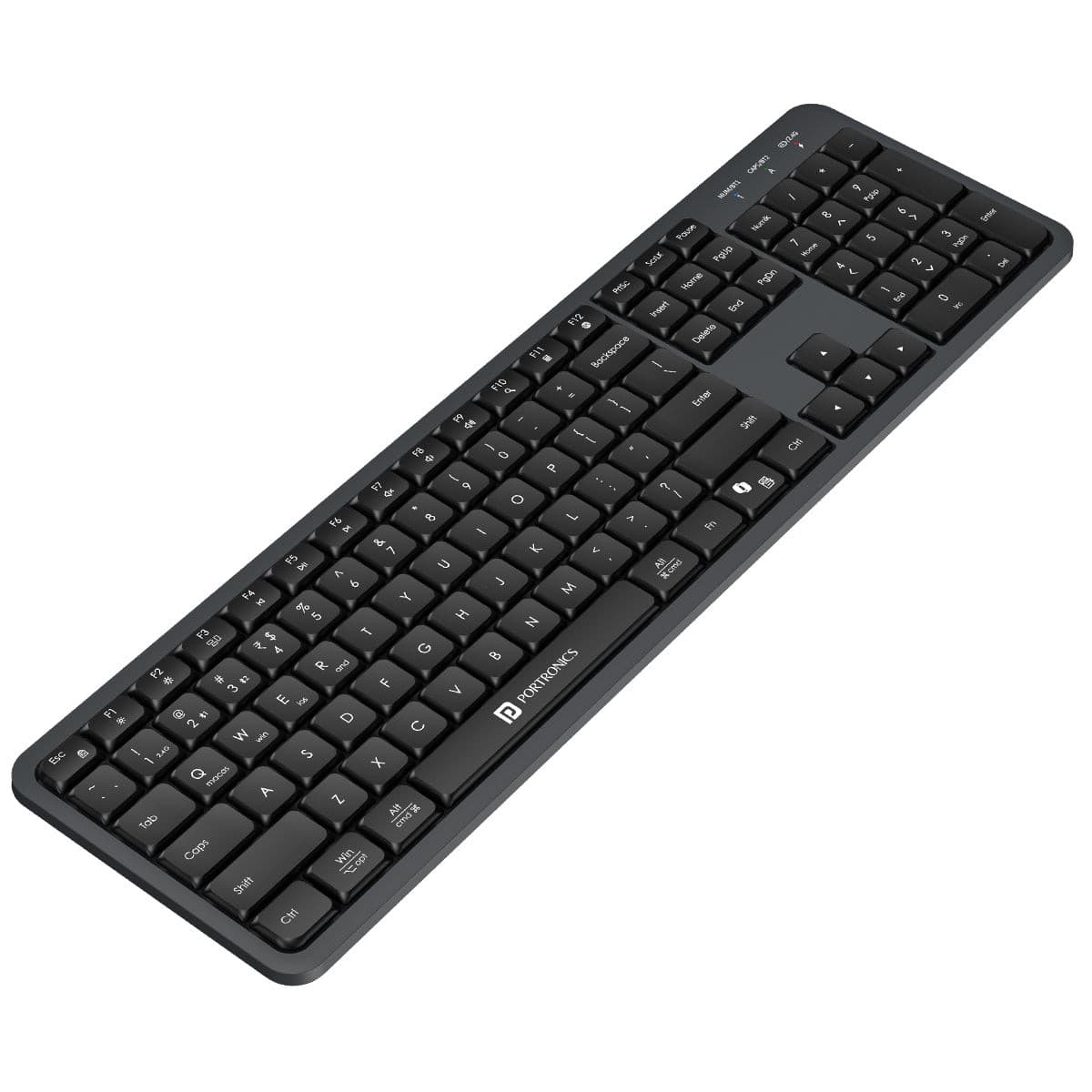
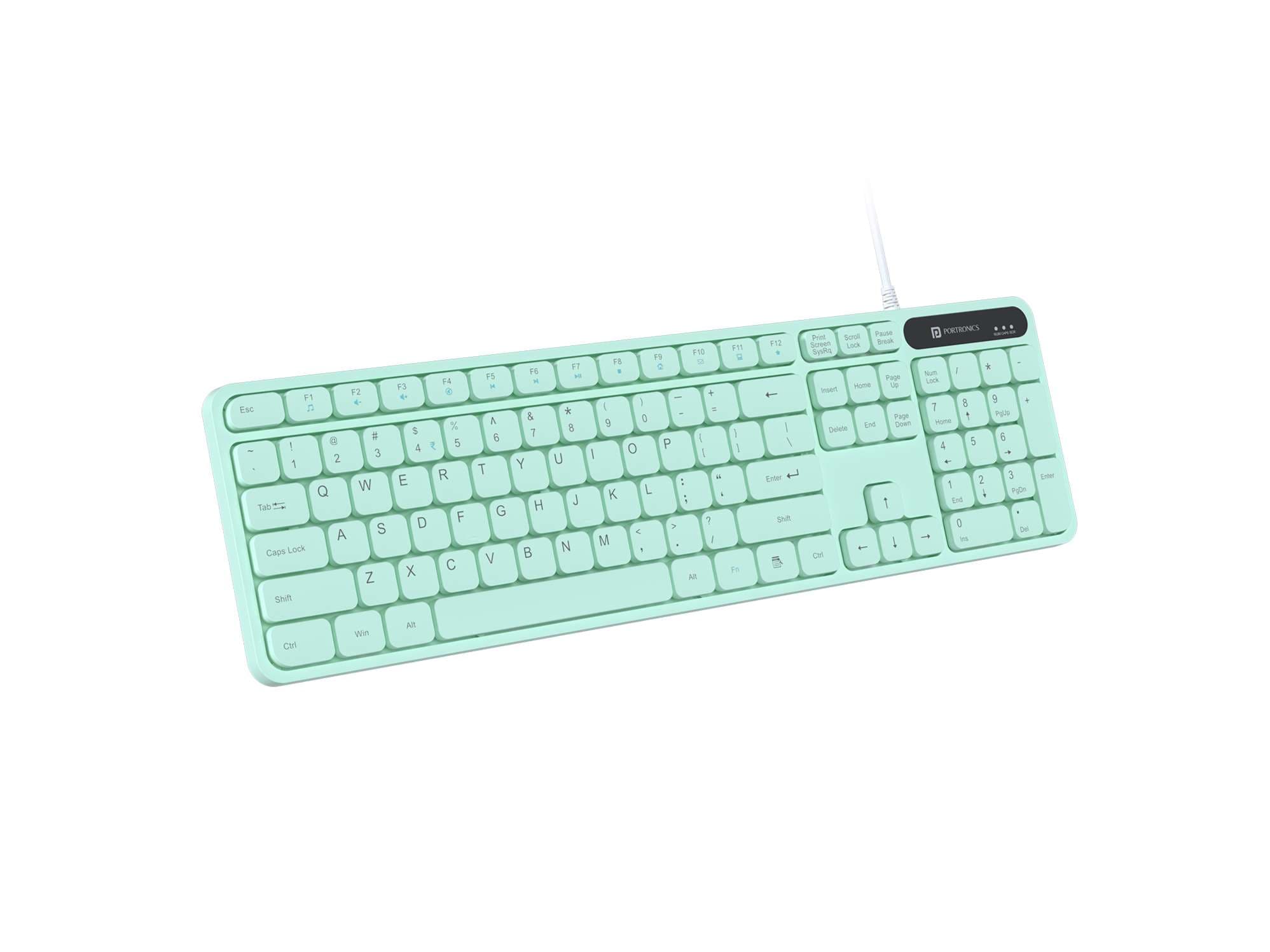
The Portronics Ki-Pad 3 is a full-size USB wired keyboard in black with a built-in number pad. Large keycaps help with accurate, fast typing, while the noise-free key action keeps things quiet in home offices and shared rooms. Fn multimedia hotkeys let you change volume, play, pause and skip tracks without the mouse. A 1.5 metre cable gives you room to position the keyboard on your desk, and its ergonomic design suits long typing sessions.
Plug the USB cable into a free USB port on your laptop, PC or Mac. Place the keyboard on a flat desk in front of you. Use the Fn key with the marked keys for media controls. Keep drinks away from the keyboard and unplug it before cleaning with a dry cloth.
Office staff, accountants, students and home users who type a lot or enter numbers and want a quiet, full-size wired keyboard for a laptop or desktop.
One Portronics Ki-Pad 3 wired USB keyboard in black, with a 1.5 m cable. Store in a dry, dust-free place. Coil the cable loosely and do not bend it sharply at the plug.
| Brand | Portronics |
| Colour | Black |
| Height | 37 |
| Length | 148 |
| Weight | 490 |
| Breadth | 465 |
| Includes | 12-months Warranty |
| Connectivity | Wi-Fi |
| Compatible Devices | Laptop, Mac, PC |
| Country of Origin | India |
| Returnable | No |
The Ki-Pad 3 is a wired keyboard. It connects with a 1.5 metre USB cable, so there are no batteries to replace and no pairing to manage. Plug it into a USB port to start typing.
Yes. It has a full-size layout with a separate numeric keypad on the right side. This is handy for billing, spreadsheets, accounts and any work with a lot of number entry.
Yes. Portronics designed the Ki-Pad 3 for noise-free typing, so the keys are quieter than many standard keyboards. This suits home offices, shared workspaces and online meetings.
Yes. The Ki-Pad 3 is listed for laptops, PCs and Mac. Plug it into a USB port; if your Mac only has Type-C ports, you will need a USB to Type-C adapter.
The Fn multimedia hotkeys control volume, play, pause and track navigation. Hold Fn and press the marked key to manage music or videos without switching windows or using the mouse.
Based on 0 ratings
More to explore