
-40%
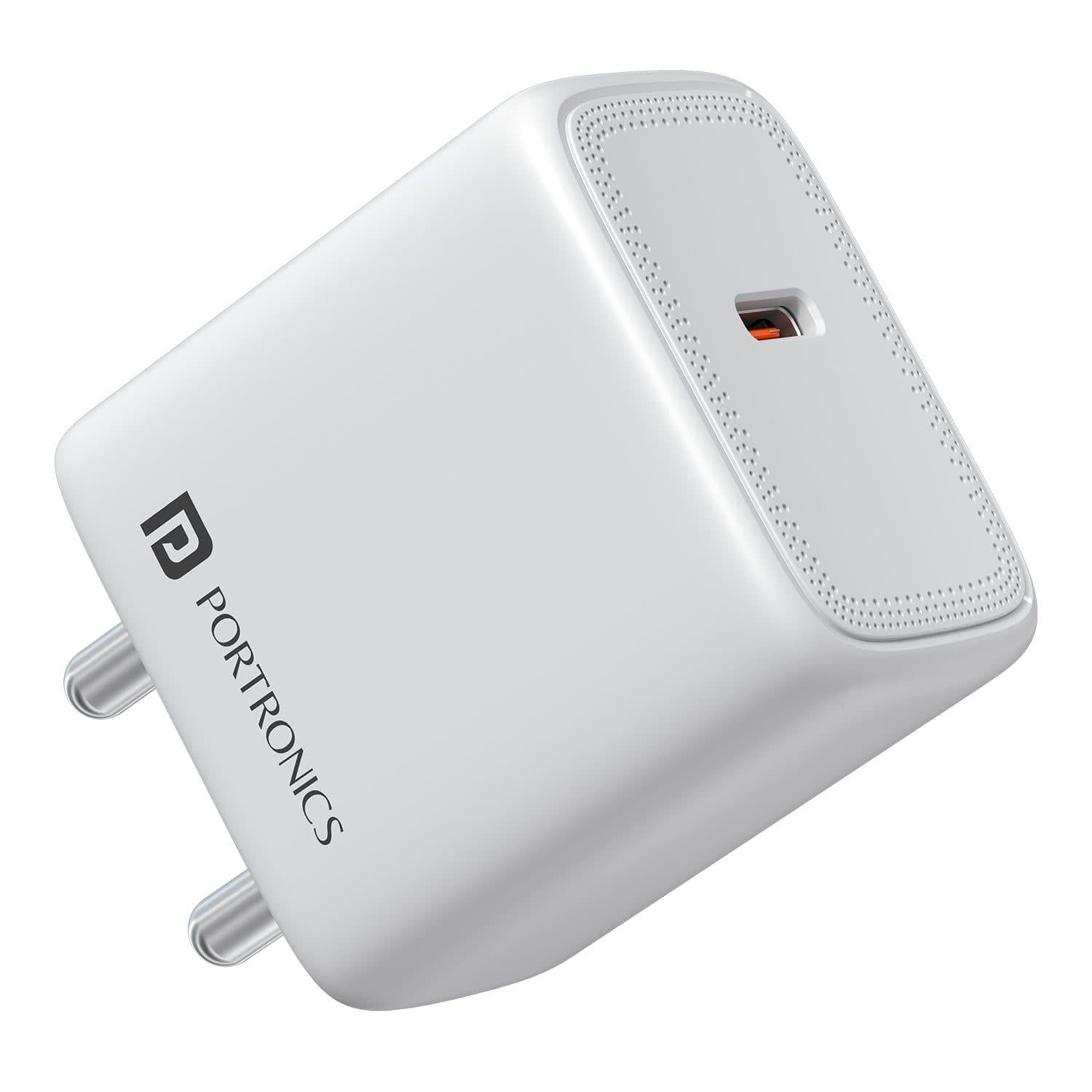
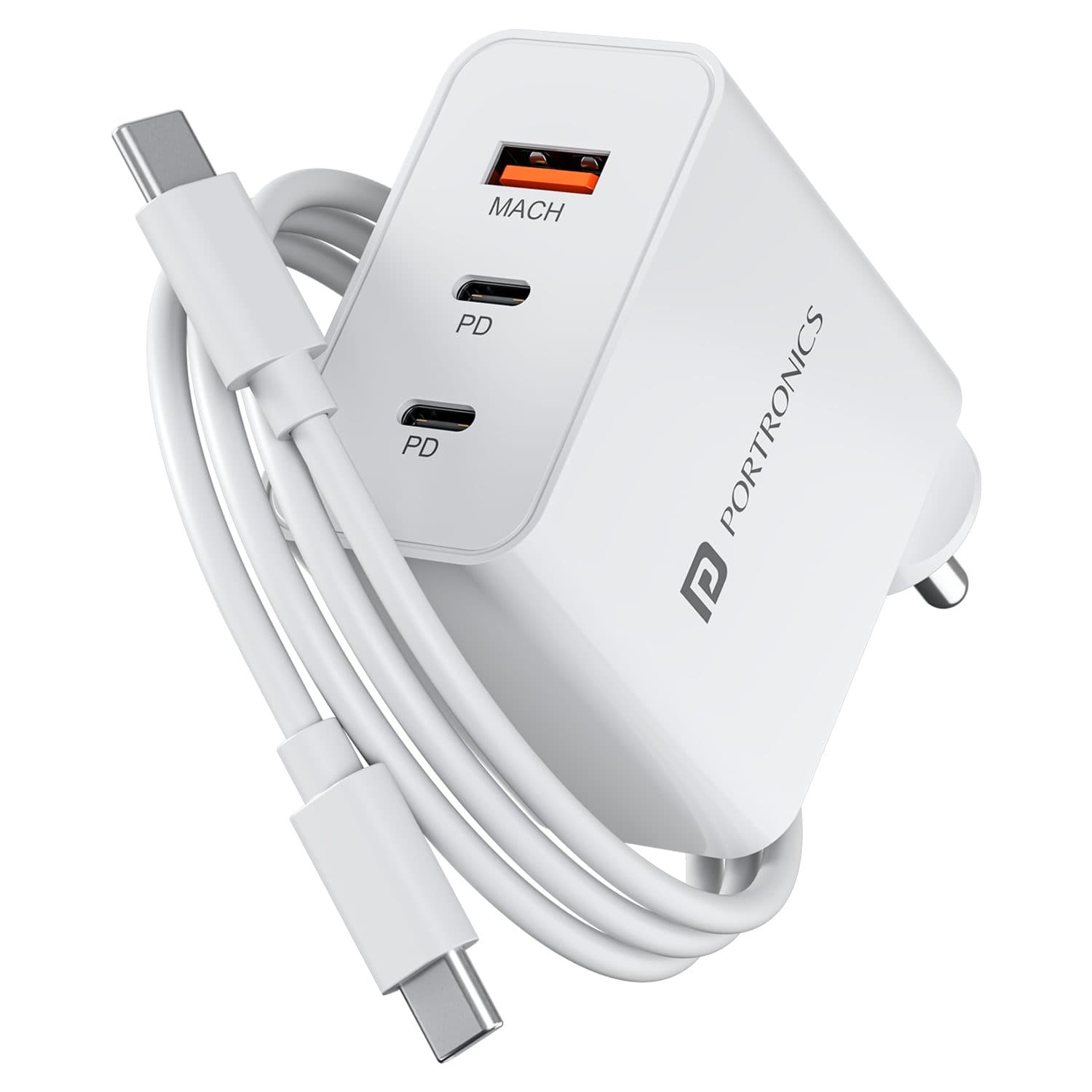
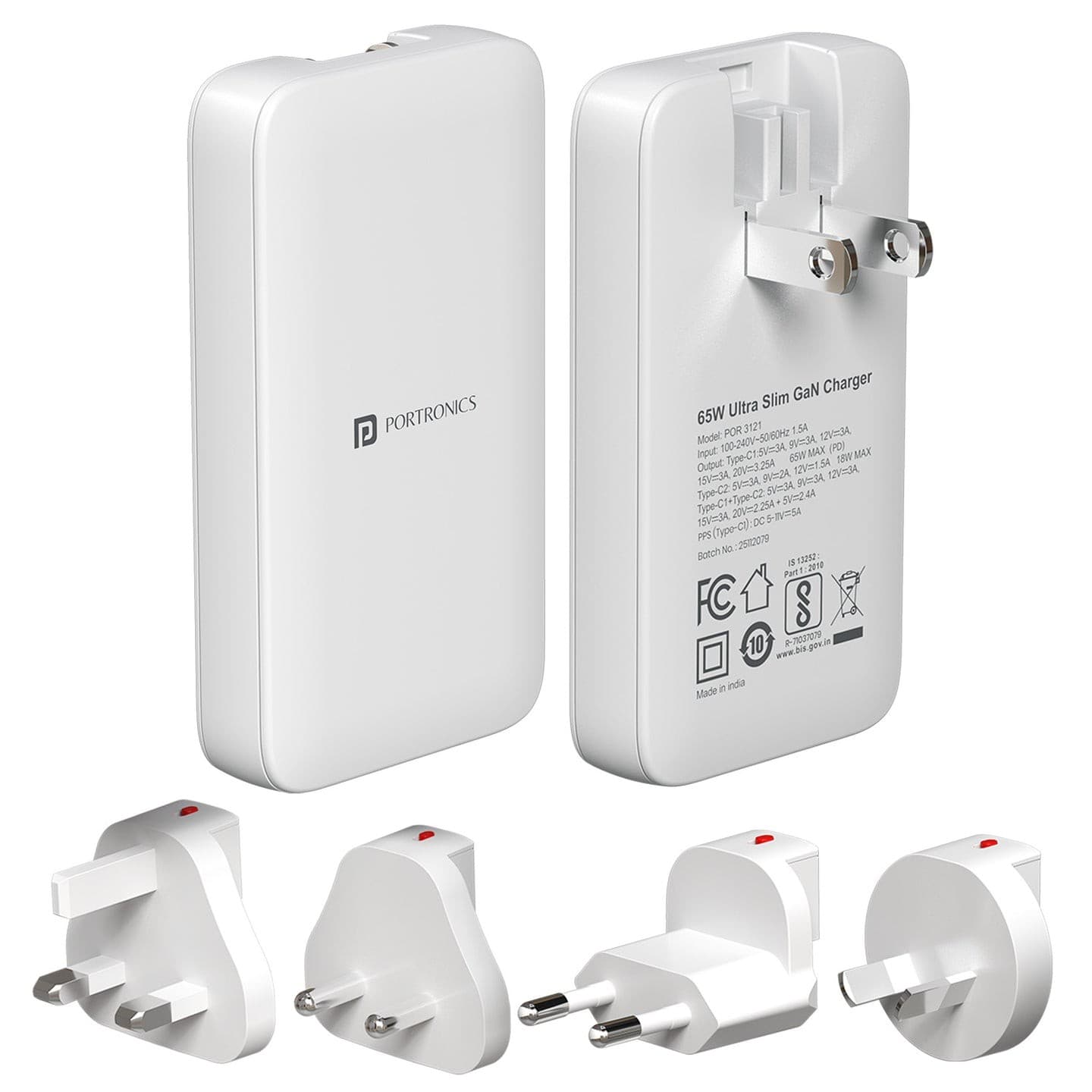
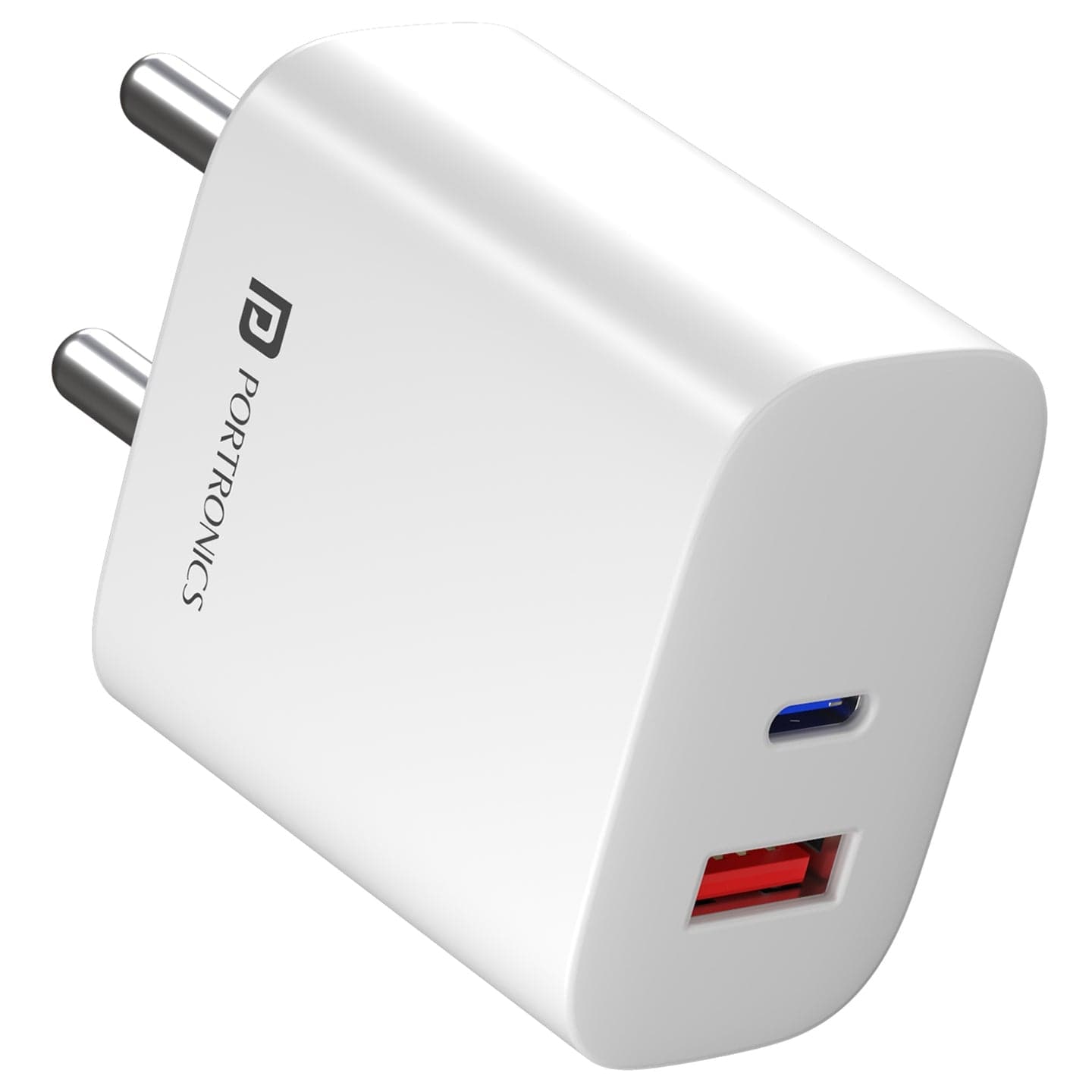
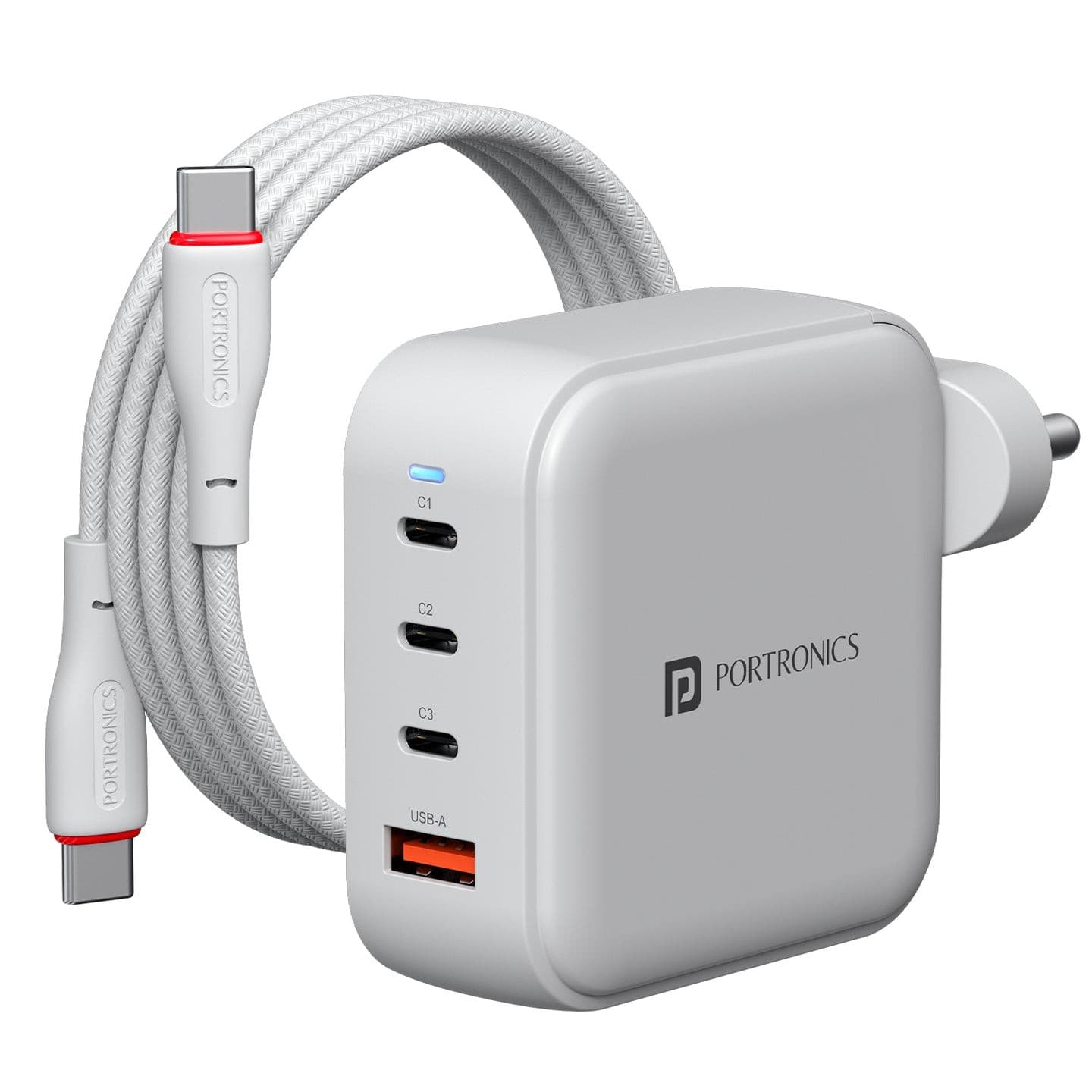
Portronics Adapto 33G Adapters & Chargers - White
₹785₹1,299
Buy Now

Brand: Portronics
You save ₹602
Inclusive of all taxes
MAKE UNBOXING VIDEO
Quantity
Why buy from Zillybuy?
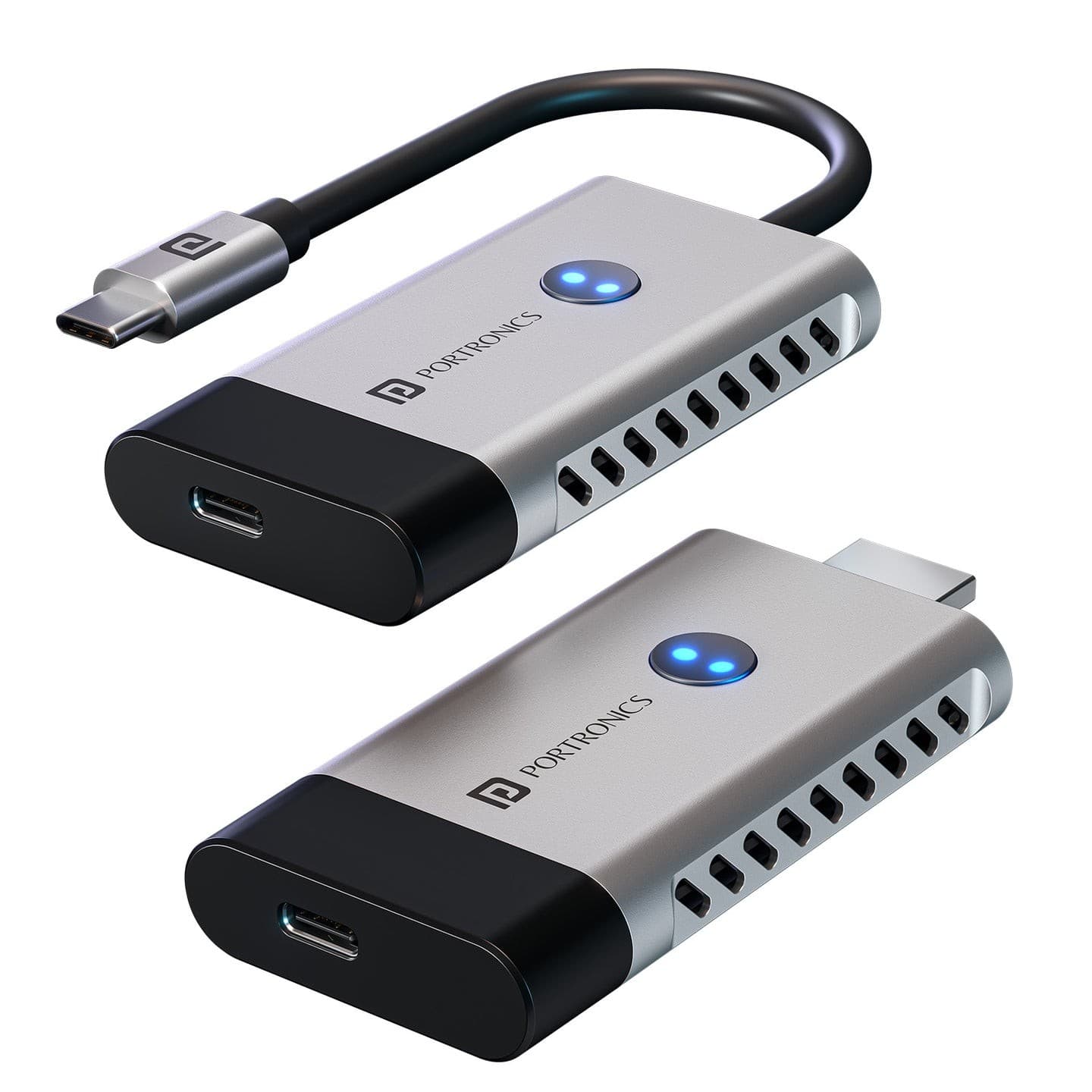
The Portronics DigiBridge connects a laptop or desktop with an HDMI port to a VGA monitor, projector or display. It supports resolutions up to 1080p Full HD at 60 Hz, so presentations, documents and videos look clear on older screens. The short 16 cm flexible cable keeps things tidy and works well behind desks or in meeting rooms with limited space. It has an HDMI male connector on one side and a VGA female port on the other, and weighs about 50 g.
Plug the HDMI end into your laptop or desktop. Connect your monitor or projector's VGA cable to the VGA port on the DigiBridge. Switch the display input to VGA and set your laptop to duplicate or extend the screen. Use a separate VGA cable, as one is not built in.
Teachers, students, office staff and presenters who need to connect modern HDMI laptops to VGA projectors or older monitors in classrooms and offices.
One Portronics DigiBridge HDMI to VGA converter. Note that the colour may vary with stock. Store dry, avoid sharp bends at the cable ends and keep it in a pouch.
Manufacturer Name: Portronics
Manufacturer Address: Portronics
Country of Origin: India
| Brand | Portronics |
| Country of Origin | India |
| Manufacturer / Packer | Portronics |
| Returnable | Yes |
It supports output up to 1080p Full HD at 60 Hz. The final picture depends on what your VGA monitor or projector can display. Older projectors may show a lower resolution.
VGA carries video only. If not, use your laptop speakers or a separate audio cable for sound.
It has a short 16 cm flexible cable between the HDMI plug and the VGA port, which keeps it neat in tight spaces behind desks or projectors.
Yes, if the projector has a VGA input. Plug the DigiBridge into your laptop's HDMI port, connect the projector's VGA cable and select VGA as the input source.
It is listed as returnable on Zillybuy; check the return window on the product page before you order. Keep your order details handy in case you need to raise a request with customer support.
Based on 0 ratings
More to explore