
-50%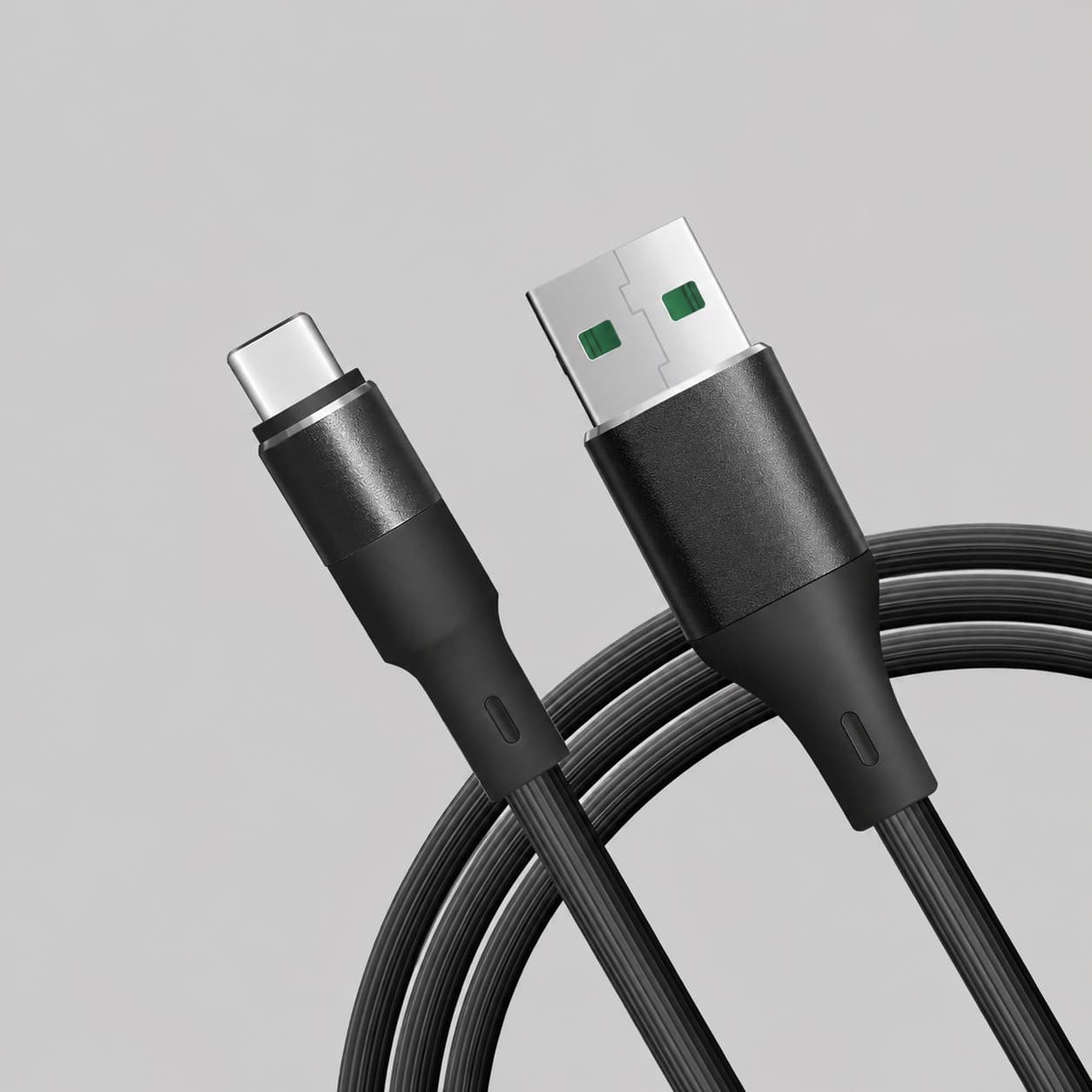
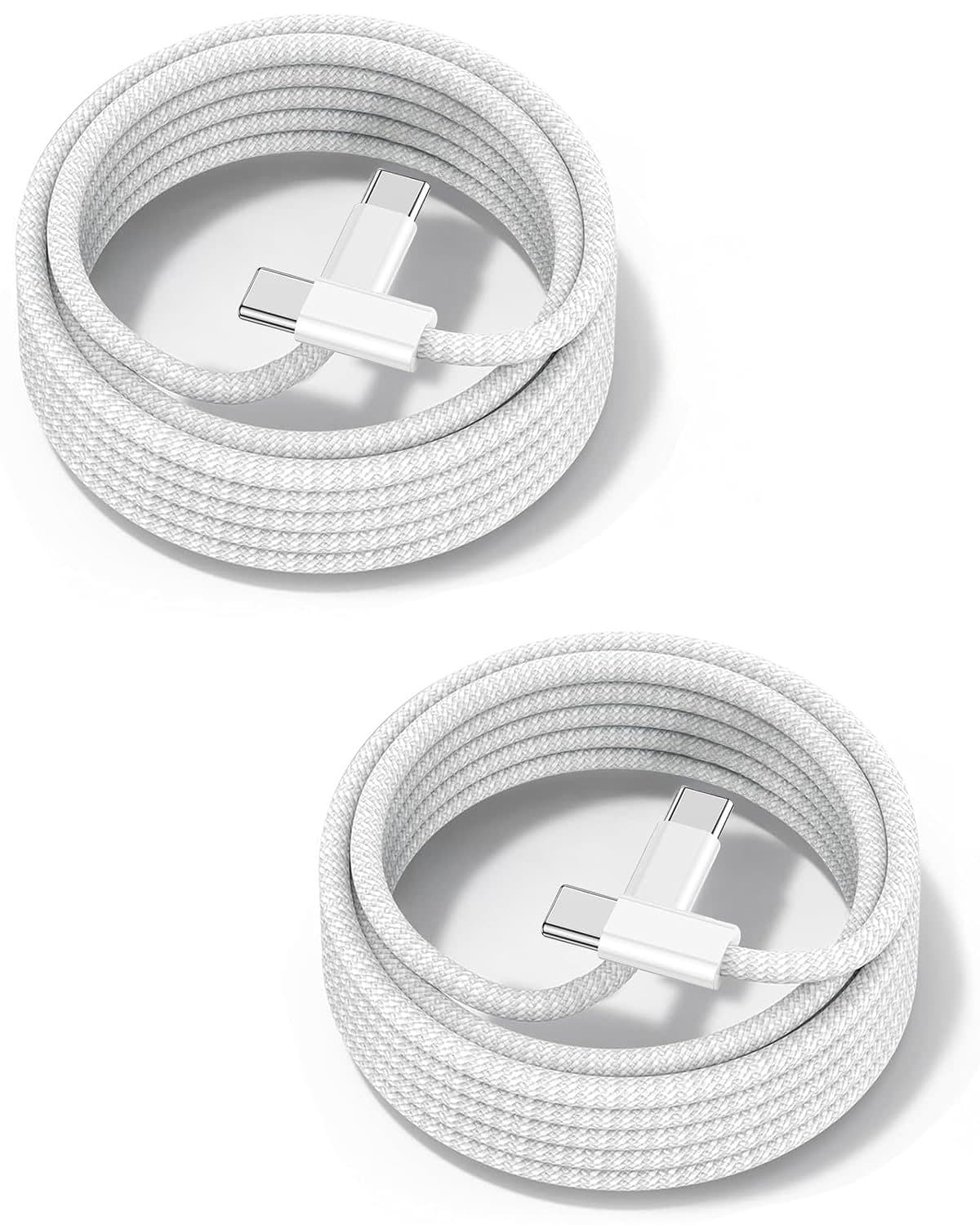
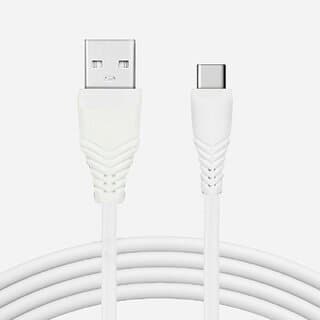
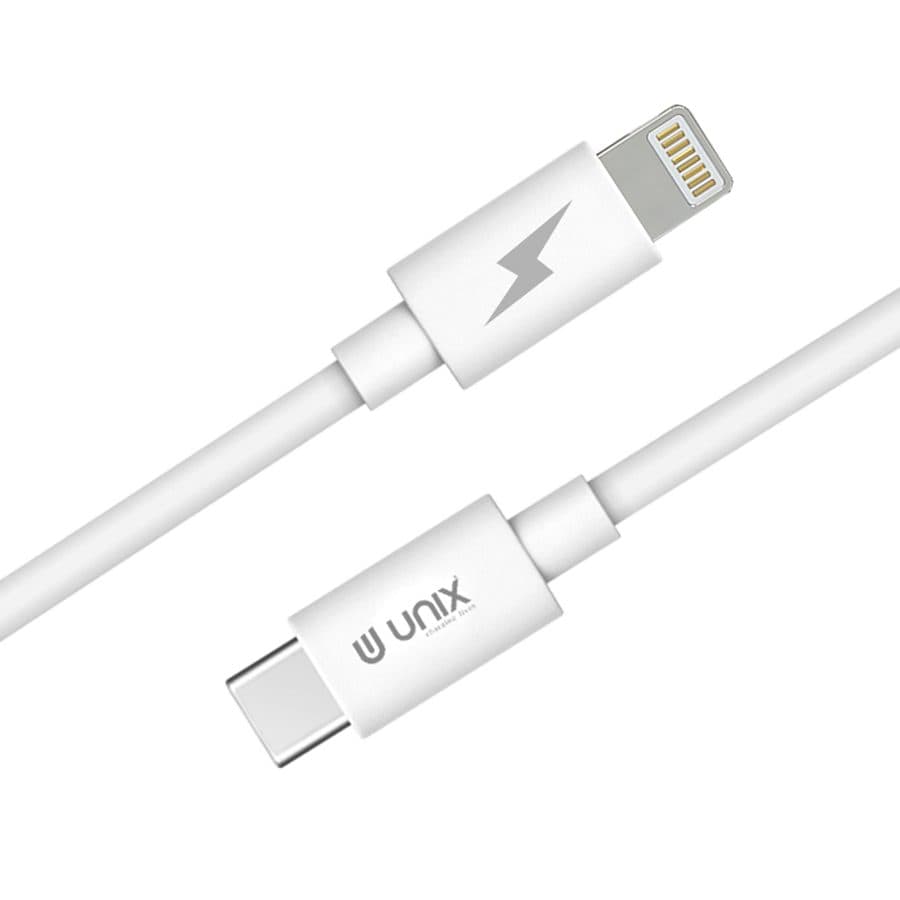
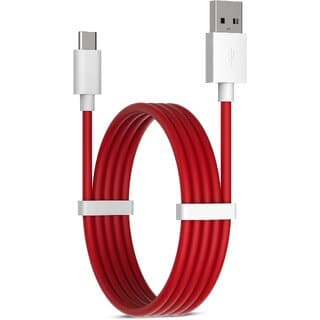
XON 65W Fast Charging USB-A to Type-C Cable, Data Transfer & Fast Charge, 1 Meter - Black
₹299₹599
Buy Now
Brand: XON
You save ₹370
Inclusive of all taxes
MAKE UNBOXING VIDEO
Quantity
Why buy from Zillybuy?
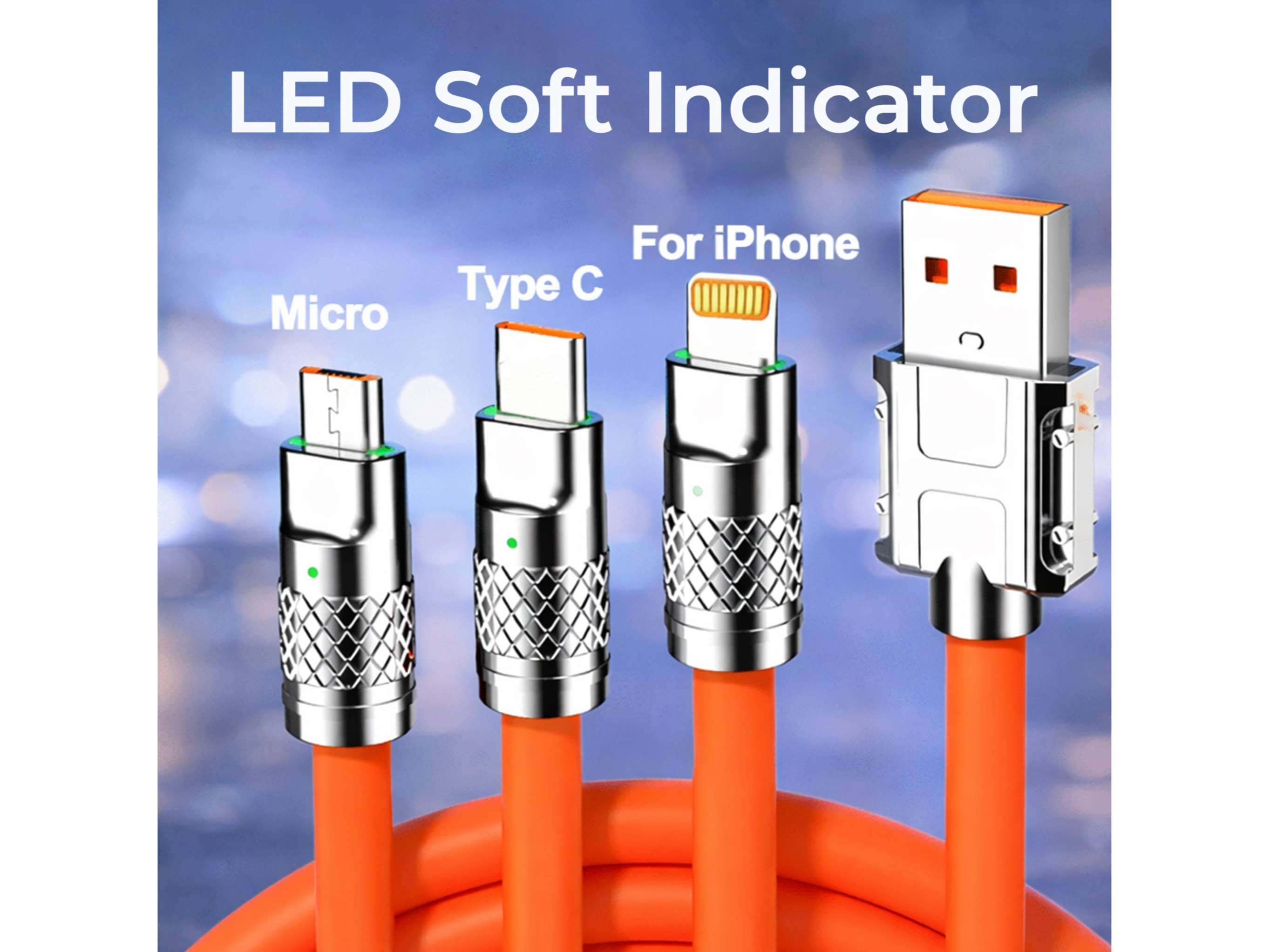
The XON 3-in-1 Retractable Fast Charging Cable is made for people who use more than one device and are tired of carrying several wires. It has USB Type-C, Lightning and Micro USB connectors, so it works with iPhones, Android phones, tablets, power banks and other USB-powered gadgets. The retractable design pulls the cable back in after use, keeping your bag neat. XON lists support for up to 120W, though actual speed depends on your device and adapter.
Pull the cable out gently to the length you need. Plug the USB end into a charger or power bank and connect the right tip to your device. When done, unplug and let the cable retract slowly. Do not yank the cable or bend the connectors, and keep it away from water.
Families with a mix of iPhone and Android devices, and travellers who want one tangle-free cable for all their gadgets.
One XON 3-in-1 retractable data cable. Store it retracted in a dry place, away from heat and sharp objects, and keep it out of reach of small children.
Manufacturer Name: XON pvt Ltd
Manufacturer Address: Delhi
Country of Origin: India
| Brand | XON |
| Product Type | Data cable |
| Country of Origin | India |
| Manufacturer / Packer | XON pvt Ltd |
| Returnable | Yes |
It has USB Type-C, Lightning and Micro USB connectors, so it works with iPhones, Android phones, tablets, power banks and other USB-powered gadgets that use any of these ports.
XON lists support for up to 120W. Actual charging speed depends on your phone, the charger and the port used. Most phones charge at their own maximum, which is often lower than 120W.
You pull the cable out to the length you need, and it winds back into its compact body after use. This keeps it tangle-free and easy to carry in a bag or pocket.
The cable has three tips, but how many devices charge at once and how fast depends on your adapter's output. For the quickest charge, connect one device at a time.
XON sells it as a data cable, so you can use it to connect a phone to a laptop. Plug in the tip that matches your phone and allow file transfer when prompted.
Based on 0 ratings
More to explore